Open the chat, tap the person or group name, choose Export Chat, then Without Media. Save the text file. If you receive a ZIP, extract it and select _chat.txt.

Chat Analyzer
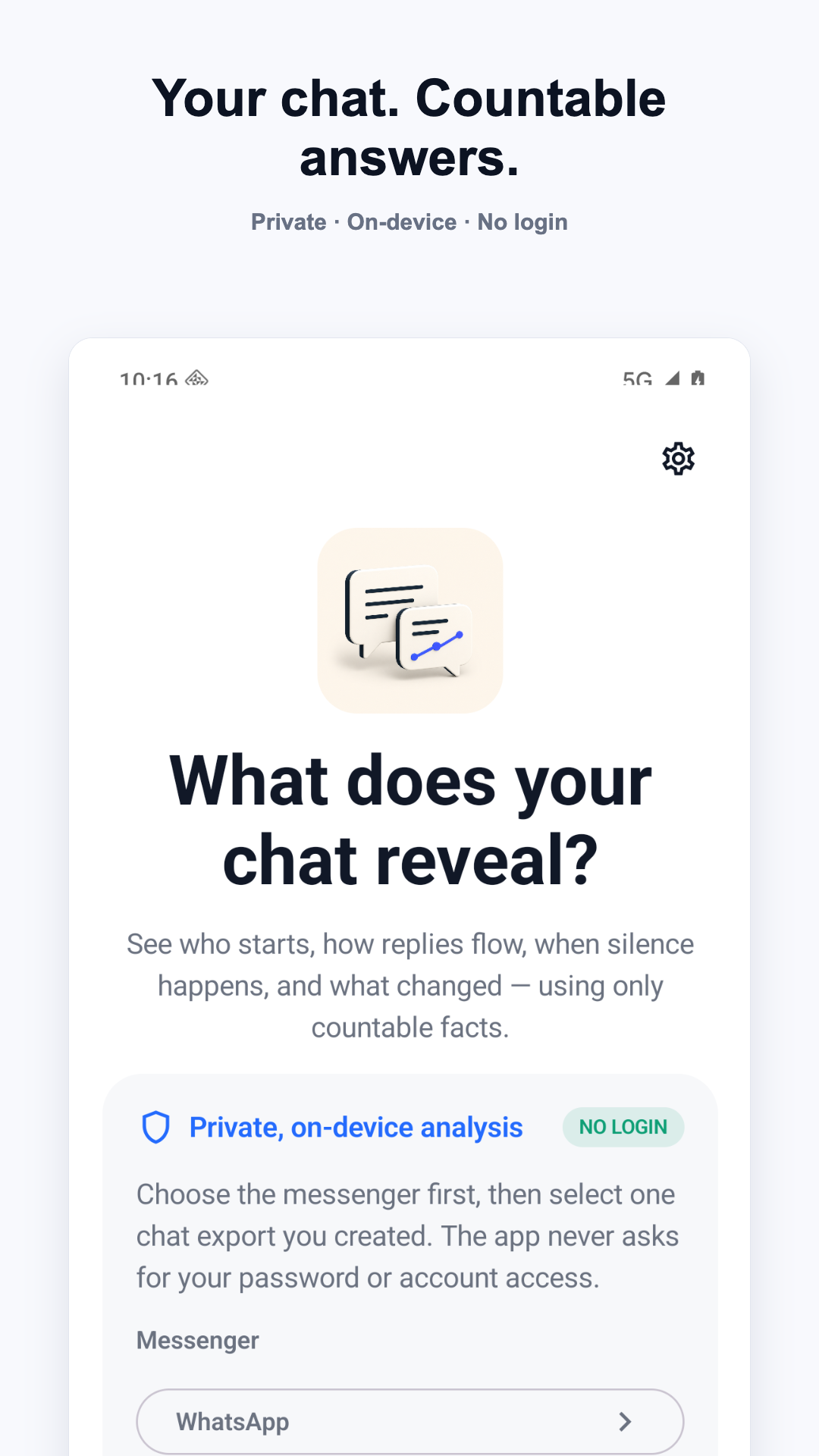
Your chat, turned into countable facts. No messenger login and no emotional guesswork.
- On-device analysis
- No chat login
- No raw text saved
- 1:1 and group chats
Import guide
Create an export from one chat
Use a conversation export you created. Chat Analyzer never asks for a password, cookie, token, or account connection.
KakaoTalk
Open one chat, open its menu and Settings, then export all messages as text. KakaoTalk desktop exports for one chat in TXT or CSV are also supported.
LINE
Open one chat, open its menu, choose Settings, then Export chat history. Save the generated text file to your device.
Telegram Desktop
Open one chat in Telegram Desktop, choose Export chat history, select the machine-readable JSON format, and save result.json.
Choose one conversation only. Excluding media makes imports faster; attachment markers may still be counted.
What it measures
Facts from the exported timeline
Session startsWho sent the first message after the disclosed inactivity gap.
Change over timeRecent versus prior periods and a date you select.
Reply rhythmMedian reply delays, turns, and follow-up counts.
Silence and returnLong gaps and who restarted afterward.
Activity patternsActive days, peak hours, message share, and rhythm.
Group factsParticipant shares, starts, timing, and local word counts.
These are observable counts. The app does not claim to know love, interest, loyalty, intent, toxicity, compatibility, read status, deleted messages, or future outcomes.
Help
Frequently asked questions
Why were some rows excluded?
Messenger exports contain join notices, title changes, encryption notices, and other system events. Chat Analyzer excludes recognized system rows and shows both excluded and unparsed counts before revealing a report.
What if the dates look wrong?
For text exports, select the date order used in the file: Month/Day or Day/Month. Telegram JSON carries structured timestamps and does not need this setting.
Does the app upload my conversation?
No. Parsing and report calculation happen on your device. Chat files and chat-derived results are not sent to Paran or supplied to the ad service. Read the full privacy policy.
Why is a report locked?
The overall factual result is free. A named deeper report can be unlocked for the current analysis by voluntarily completing one rewarded ad, or Full Access can unlock current report packs across future imports without ads. A cancelled or unavailable ad does not delete the import or consume a reward.
How do I restore Full Access?
Open Chat Analyzer Settings and choose Restore Purchases. The app checks the Apple App Store or Google Play account currently signed in on your device.
How do I delete saved analysis history?
Open Settings and choose the control to delete all local snapshots. Imported participant names and raw message bodies are not stored in saved snapshots.