Your photo. Your dimensions.
A photo at the
size you need.
Choose the width and height, see how many copies fit, and export a PDF for labels, inserts, and craft references.
Paid app · No account required
iPhone · iPad · Mac
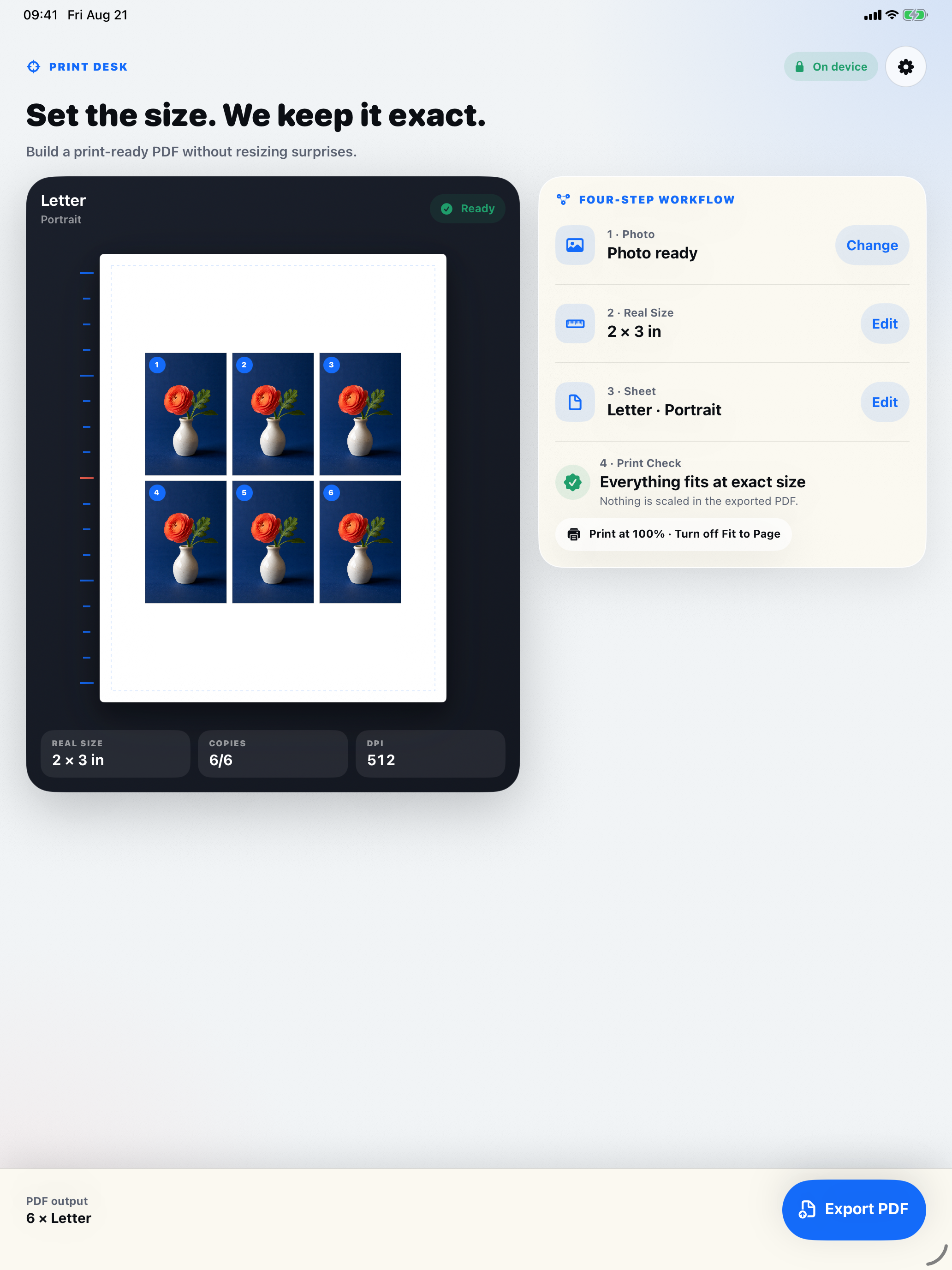
Choose a size. See the whole sheet.
- 01
Choose your photo
Start with one image you already have.
- 02
Set the dimensions
Enter cm, mm, or inches. Choose the paper, margins, and spacing.
- 03
Export your PDF
Check the copy count and source-image DPI, then share the finished sheet.
100% / Actual Size
Keep the size when you print.
Use 100% or Actual Size and turn off Fit to Page. Printer margins and driver scaling can change the result on paper, even when the PDF has the correct dimensions.
Read the actual-size printing guideMake your next sheet fit your plan.
Check current pricing and device compatibility on the App Store.
View on the App Store